
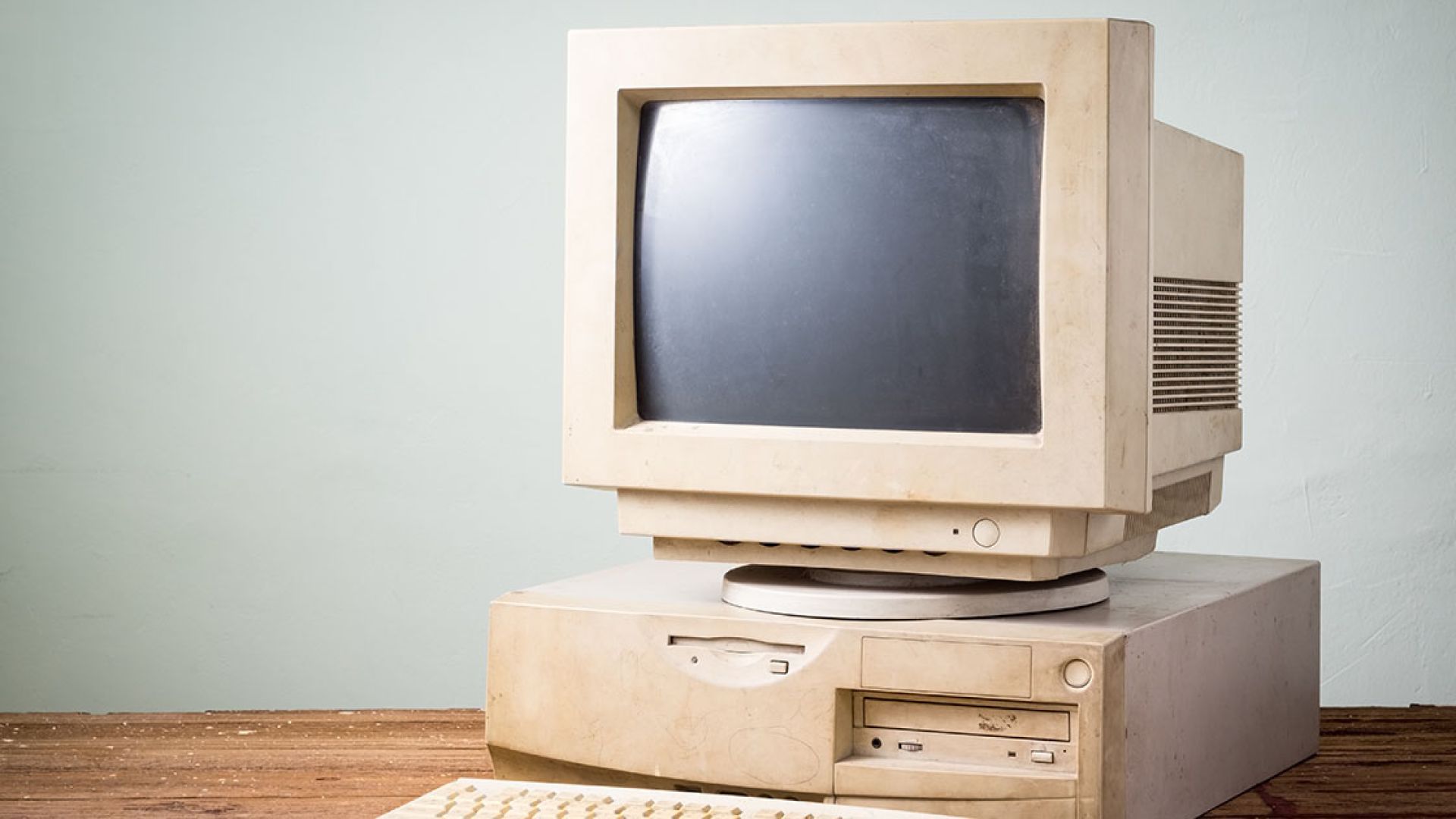
Most people only think about a workstation when it stops working. But in a well-managed IT environment, a workstation has a lifecycle that starts long before a user logs in for the first time and continues long after that device is retired.
It won’t turn on. It’s slow. Something won’t open. A replacement is needed.
The way a workstation is planned, deployed, maintained, and retired has a direct impact on security, reliability, support quality, and the day-to-day experience of the people using it.
At a Glance
A well-managed workstation lifecycle boils down to three core principles:
Plan ItDefine standard hardware and configuration baselines so every device fits a predictable support structure. |
Prepare ItSecure, patch, document, and configure devices before they ever reach a user’s desk. |
Maintain ItMonitor, update, support, and eventually retire devices in a controlled, repeatable way. |
The Workstation Lifecycle
Below is what the lifecycle looks like when it’s done intentionally and repeatably.
1) Planning and Standardization
Before a device is ever purchased, there is already a plan. Well-managed environments do not buy random hardware or allow every workstation to be unique. Standard models, consistent configurations, and defined setup procedures ensure every device fits a predictable support structure.
- Approved hardware standards
- Defined configuration baselines
- Repeatable build process
2) Preparation Before the User Ever Sees It
A workstation should never be handed to a user “fresh out of the box.” By the time the user receives it, the device is already part of a managed ecosystem.
- Joined to the domain or management system
- Fully patched and updated
- Secured with endpoint protection and monitoring tools
- Configured with standard settings
- Documented in asset records
- Named and organized consistently
3) Deployment and User Onboarding
When the workstation is assigned to a user, the process is repeatable and documented. User accounts, permissions, applications, printers, and network access are applied consistently so the experience matches how every other workstation is configured.
- Consistent user setup and access
- Standard application and printer deployment
- Clear ownership and assignment tracking
4) Ongoing Management and Monitoring
After deployment, the workstation is not forgotten. It remains monitored, maintained, and reviewed as part of regular operational and security practices. Problems are often identified and addressed before a user ever notices.
- Health and performance monitoring
- Consistent patching and security updates
- Backups where appropriate
- Asset tracking and periodic review
5) Support and Troubleshooting
When an issue does occur, support is faster because the configuration is known, the device follows standard patterns, and documentation exists. Support should not depend on “who set it up” or “who usually handles this client.”
- Known baselines and predictable configurations
- Documented device history and environment context
- Team-based support, not person-based dependency
6) Reassignment or Replacement
When a user leaves or a device is replaced, there is a defined process. Data is handled appropriately, access is removed, and the workstation is cleaned, reset, or redeployed consistently. Nothing is left to guesswork.
- Structured offboarding and access removal
- Data handling aligned with policy (retain, migrate, or securely remove)
- Reset/rebuild process for redeployment
- Accurate reassignment and status updates in asset records
7) Proper Decommissioning
Eventually, every workstation reaches the end of its life. In a well-managed environment, the device exits as cleanly as it entered: removed from management tools, data handled securely, and records updated.
- Removed from monitoring and management systems
- Secure data handling (wipe, encryption verification, or destruction as required)
- Asset records updated and finalized
- Disposed of responsibly or recycled according to policy
What We Commonly See in Unmanaged Environments
These patterns quietly create downtime, security risk, and slower support over time.
- Devices deployed without documentation or ownership tracking
- Inconsistent naming, configurations, and “one-off” setups
- Security added after the fact instead of built in from day one
- Old systems lingering long past retirement
- Support dependent on “who remembers this one”
The Result: Predictable, Reliable IT
When workstations follow a consistent lifecycle, IT becomes easier to manage, easier to support, and easier to trust.
Well-managed workstations don’t make headlines. They just quietly do their job every day.
